People stay in control
CursorFlow is designed for visible text, explicit review, and a keyboard fallback, not an autonomous writing agent.
About CursorFlow
CursorFlow is building a calmer bridge between the Android phone you already carry and the Windows PC where your work already lives. Speak, type, review, and send without losing the context of the active cursor.
Our direction
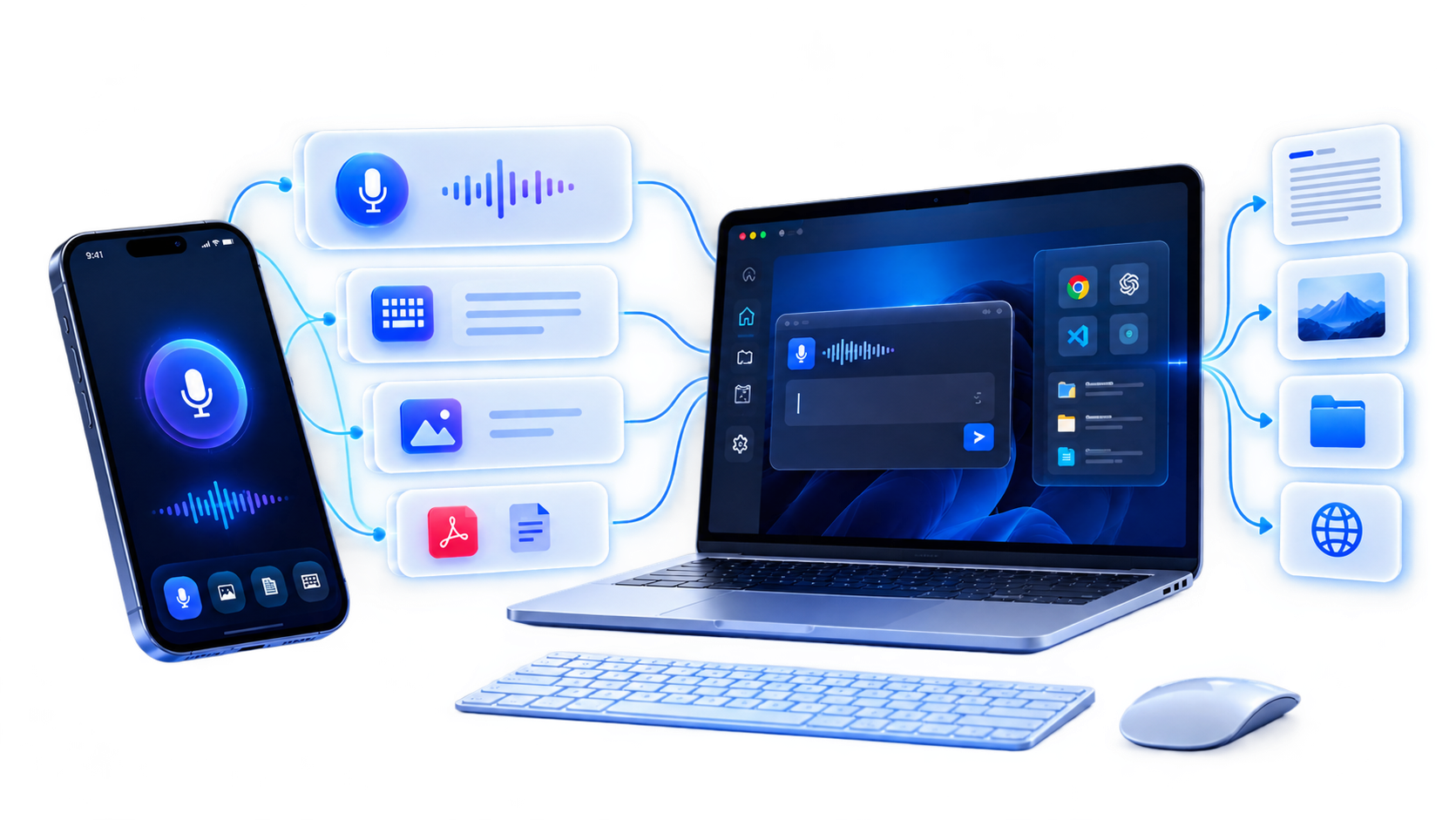
We are designing CursorFlow around a simple observation: the best microphone, keyboard, or file is often on a different device from the place where the work needs to happen.
Instead of making people copy, paste, email, or switch into a separate dictation box, CursorFlow connects the phone and PC workflow. The goal is not to take control away from people. It is to help them choose the right input for the moment and keep reviewing the result in context.
CursorFlow runs on Windows and Android. We keep improving languages, pairing and everyday workflows based on what users tell us.
What we believe
CursorFlow is designed for visible text, explicit review, and a keyboard fallback, not an autonomous writing agent.
Your phone can be a familiar microphone, keyboard, draft pad, or transfer surface while the PC remains the destination.
Voice and text input should fit real workflows across languages, apps, meetings, research, and code.
What CursorFlow is
CursorFlow brings together two input modes and one practical destination: the work already open on your Windows PC.
Create your account and tell us where your phone and PC workflow creates the most friction.