Cursor Flow
Bangla Voice Typing on PC: Speak Bangla, Type in Any App
How to type Bangla by voice on a Windows PC: what Windows and Google Docs support, and how to speak Bangla into your phone and type in any PC app.
On this page
- Why Bangla voice typing on PC is hard to find
- Option 1: Google Docs, then copy (free)
- Option 2: Speak Bangla into your phone, type on your PC
- Bangla on your phone too
- Comparison
- Tips for better Bangla dictation
- What about offline?
- Common problems and quick fixes
- Honest limits
- Cost
- How to do this with Cursor Flow
- FAQ
- Keep reading
I am Prince Ruhul. I am from Bangladesh, I work from my room, and I do not enjoy typing. Typing Bangla on a PC keyboard is slower still for most people I know, because layouts like Bijoy or phonetic typing take practice. That is a big part of why I care about this.
Why Bangla voice typing on PC is hard to find
Many people search for "bangla voice typing for pc" and end up on phone apps. That is because most free voice typing in Bangla lives on the phone. On the PC, the built-in options are limited.
Windows voice typing: Bangla is not listed
Microsoft publishes the languages that support voice typing in Windows 11. On 10 November 2026, that list included Hindi, Gujarati, Marathi, Tamil and Telugu among Indian languages, but not Bengali or Bangla (Microsoft Support). So pressing Windows key + H will not give you Bangla text. Microsoft updates this list, so check it again if you read this much later.
Google Docs voice typing: Bangla works, but only in Docs
Google's help page for voice typing lists Bengali (Bangladesh) and Bengali (India) (Google Docs Help). It works in Google Docs and Google Slides in Chrome, Edge or Safari.
That is a real, free option. The catch is that it only types into Docs and Slides. If you want Bangla in an email, a chat window, a government form or a Word file, you have to dictate in Docs and copy the text across.
Phone keyboards
Many Android keyboards include Bangla voice input. They are good for phone apps, but the text stays on the phone. To get it onto the PC, people email themselves, send a WhatsApp message to their own number, or copy through a cloud note. It works, but it is a detour every time.
Option 1: Google Docs, then copy (free)
- Open a Google Doc in Chrome.
- Go to Tools > Voice typing.
- Click the language name above the microphone and choose Bengali (Bangladesh) or Bengali (India).
- Click the microphone and speak.
- Copy the text and paste it where you need it.
Good for: long Bangla documents you are writing in Docs anyway.
Not good for: quick replies in other apps, because of the copy and paste step every time.
Option 2: Speak Bangla into your phone, type on your PC
This is the workflow I built Cursor Flow for. Your Android phone becomes the microphone, and the Bangla text is typed at your Windows cursor in any app.
Setup (about a minute)
- Install Cursor Flow on your Windows 10 or 11 PC and on an Android 9 or newer phone.
- Pair them once by scanning a QR code.
- On the PC, open Settings > Language and pin Bangla. Automatic language detection is on by default, but pinning one language gives the most consistent results.
Dictating in Bangla
- Click into any text field on your PC: an email, a chat, a Word document, a form.
- Hold the phone about 10 to 20 cm from your mouth and speak in Bangla. You can speak softly.
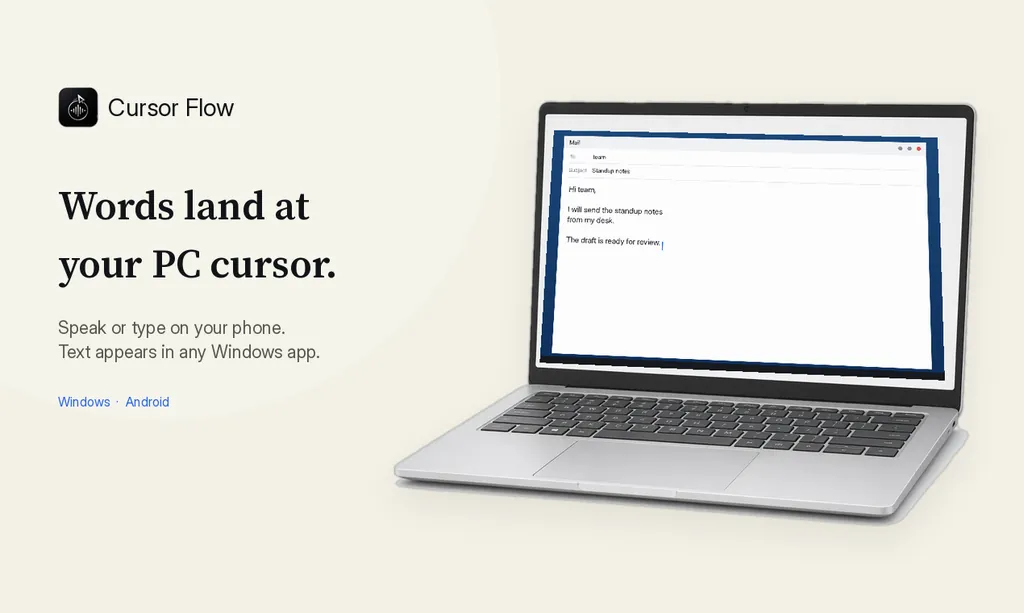
- The text is typed at your cursor, word by word, like a keyboard. It does not paste, so your clipboard is not touched.
- Read it, fix anything that is wrong, and send.
You can also use your PC's own microphone if you are alone in a quiet room.
One language per dictation
Cursor Flow detects language per dictation. For the best results, say one dictation in Bangla and the next in English, rather than switching languages in the middle of a sentence. If you write mostly Bangla, pin Bangla. If you switch between Bangla and English often, leave detection on and keep each dictation in one language. See the languages page for the full list of 57 languages.
Bangla on your phone too
If you also want Bangla voice typing inside phone apps, the Cursor Flow voice keyboard for Android offers English, Bangla and Hindi. It works in any phone app. Setup is on the Android keyboard docs page.
Comparison
| Option | Types Bangla in any PC app | Free | Notes |
|---|---|---|---|
| Windows voice typing (Win + H) | No | Yes | Bangla not in Microsoft's Windows 11 list |
| Google Docs voice typing | No, Docs and Slides only | Yes | Bengali (Bangladesh) and Bengali (India) listed |
| Phone keyboard + send to yourself | Indirectly | Usually | Extra step for every message |
| Cursor Flow | Yes | Free plan to start | Phone or PC mic, types at your Windows cursor |
Tips for better Bangla dictation
Speak in full sentences. Punctuation and spacing come out better when you say a whole thought instead of word by word.
Say names clearly, then check them. People's names, place names and brand names are where any recognition tool slips most. Look at them before you send.
Keep the phone at a steady distance. Resting your elbow on the desk keeps the level even.
Use a quiet moment for long text. Short replies are fine anywhere. For a long letter or report, a quieter room helps accuracy.
Edit by hand at the end. Voice gets the first draft down fast. A quick read and a few keyboard fixes finish it.
What about offline?
Cursor Flow has an offline mode on the PC, which needs 8 GB of RAM. Offline supports fewer languages than the online service. The language list in Settings shows which languages are available offline, so check there before relying on Bangla without internet. When your phone and PC are on the same Wi-Fi, they can stay connected without internet once paired.
Common problems and quick fixes
Honest limits
- English is Cursor Flow's most tested language. Bangla is supported, but test it with your own voice and the kind of writing you do before you rely on it.
- There is no Mac or iPhone app yet.
- The Windows app is in public beta and not code-signed yet, so Windows SmartScreen may show a warning when you install it.
Cost
The free plan includes 2,500 dictation words a week, typing on your phone into your PC cursor, phone-to-PC sending of files, images and clipboard, and Scan, with no card needed. For Bangladesh, the pricing page lists bKash payment as coming soon. See pricing for current plans. If you also write in Hindi, see the Hindi voice typing page.
Download Cursor Flow and try one Bangla email first.
How to do this with Cursor Flow
- Install both apps. Get Cursor Flow for Windows and Android from the download page.
- Pair once. Open the phone app and scan the QR code shown on your PC. See pairing if you get stuck.
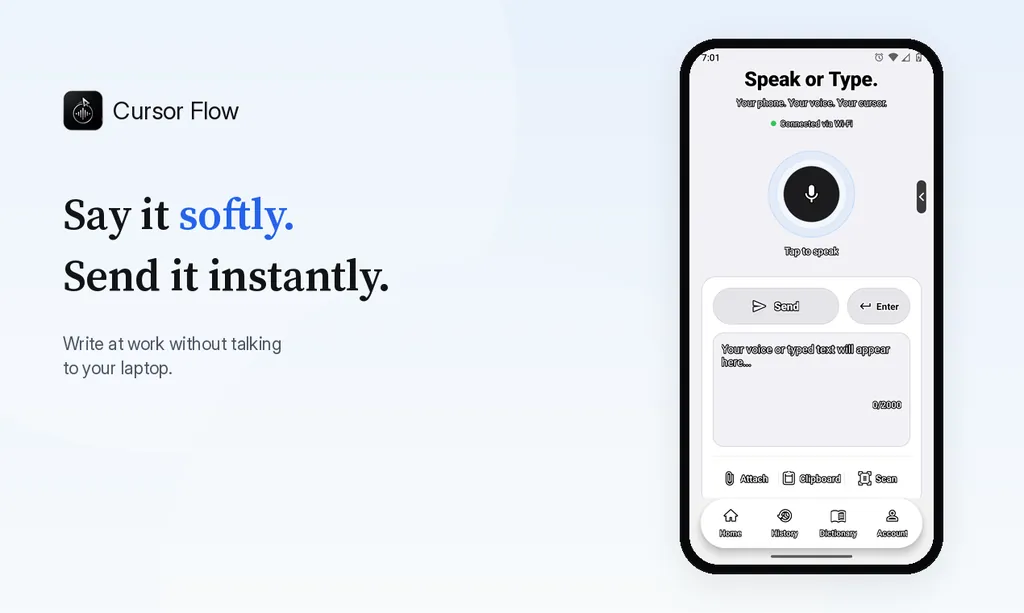
- Pin your language and speak. In Settings, pin the language you are using, click into any text field on the PC and speak softly into the phone. Use one language per dictation for the most consistent results.
The free plan includes 2,500 dictation words a week, typing on your phone into your PC cursor, phone-to-PC files, images and clipboard, and Scan. See pricing, how phone to PC works, and all 57 languages.
FAQ
Does Windows voice typing support Bangla?
Bangla (Bengali) is not in Microsoft's list of languages that support voice typing in Windows 11, checked on 10 November 2026. Hindi, Gujarati, Marathi, Tamil and Telugu are listed.
Can I voice type Bangla in Google Docs?
Yes. Google Docs voice typing lists Bengali (Bangladesh) and Bengali (India). It works inside Google Docs and Slides in Chrome, Edge or Safari, not in other PC apps.
How do I voice type Bangla in any app on my PC?
Use a tool that types at your Windows cursor. With Cursor Flow, you speak Bangla into your paired Android phone or PC mic and the text is typed into whatever app is focused.
Can I mix Bangla and English in one dictation?
For the most consistent results, use one language per dictation and pin it in Settings. Detection works per dictation, so switch languages between dictations, not in the middle of one.
Is there a Bangla voice keyboard for Android?
Yes. The Cursor Flow voice keyboard for Android offers English, Bangla and Hindi and works in any phone app.
- 57languages
- 2,500free words a week
- Windows + Androidone paired workflow